Abutic · Digital profiles
Discover next-level networking
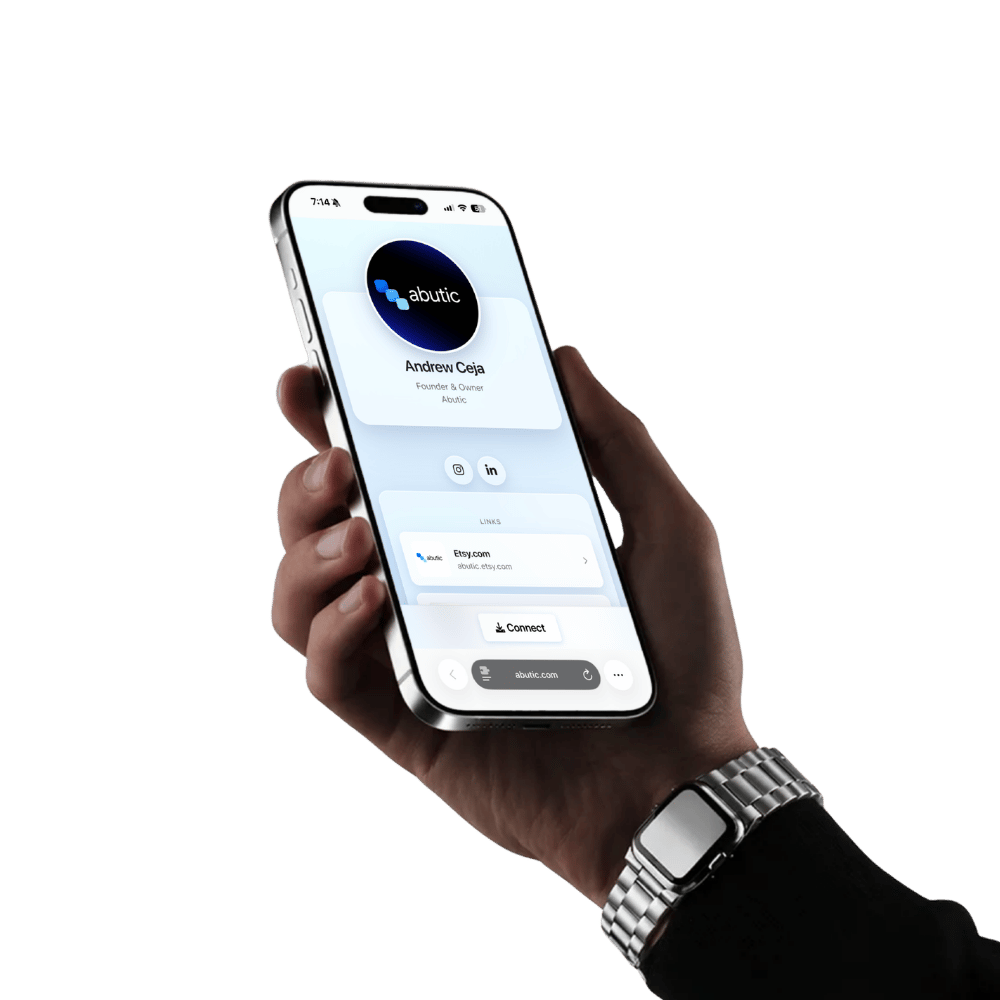
One clean page for your links and contact card. Share it in seconds—no app required.
Compare plans
Abutic Profile
Free — always
- Public profile link & QR
- Social links, bio, photo & banner
- Layouts you can reorder
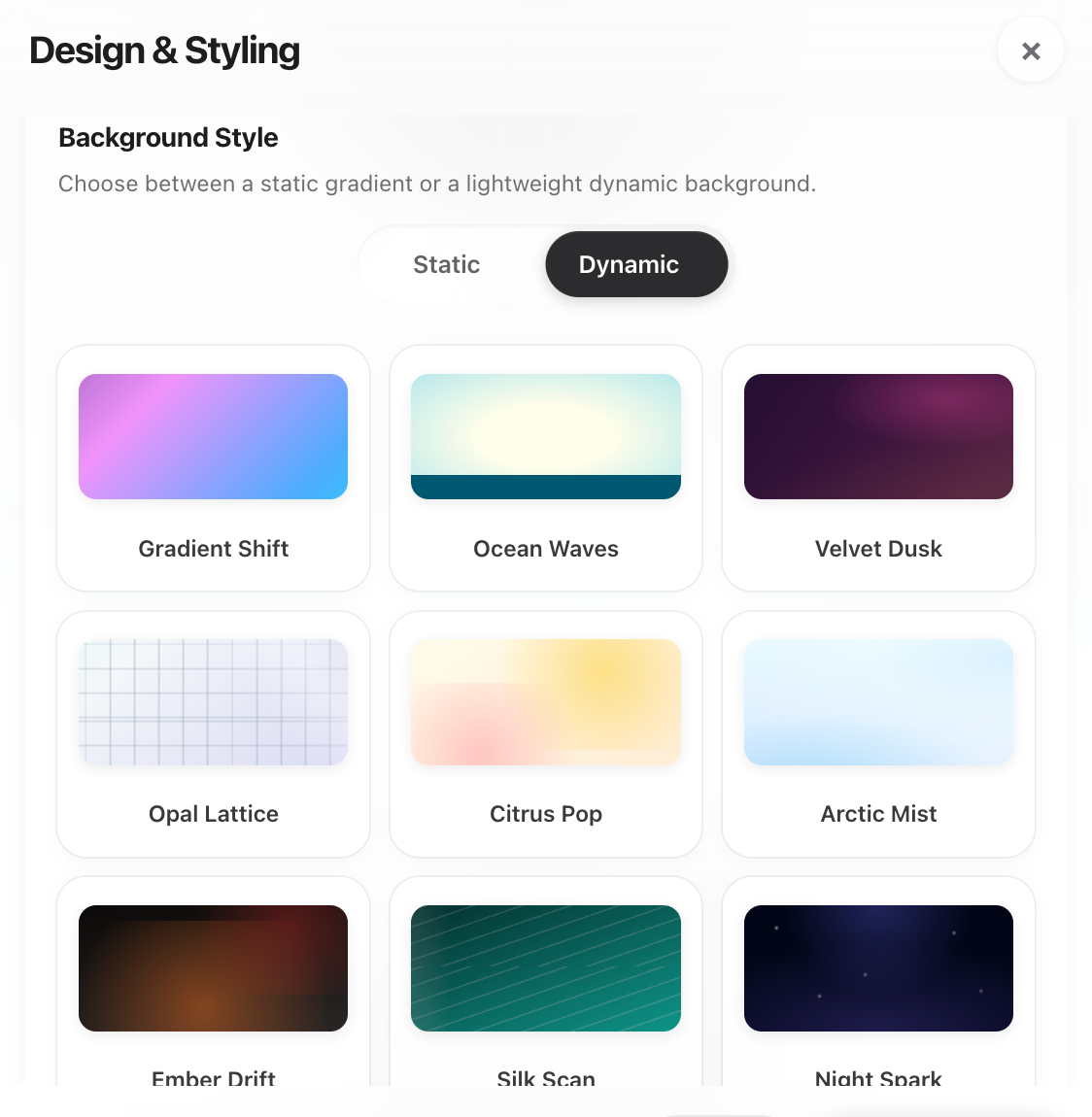
- Dynamic backgrounds & styling
- Save contact to phone (vCard)
- Optional lead form on your profile
Abutic+
Abutic+
Full access — leads, QR, analytics & more
- Advanced lead inbox, export & workflows
- Advanced QR actions & tracking
- Apple & Google Wallet passes
- Export & manage contacts
- Premium customization options
- 50% off your next NFC card
Upgrade and billing live in your account—see Help for details.
Hardware optional
Same profile. Bigger entrance.
Your Abutic URL is the hub. An NFC card is the memorable shortcut—tap once, your guest has everything. Cards are engraved, durable, and built to start conversations.
Explore NFC cards →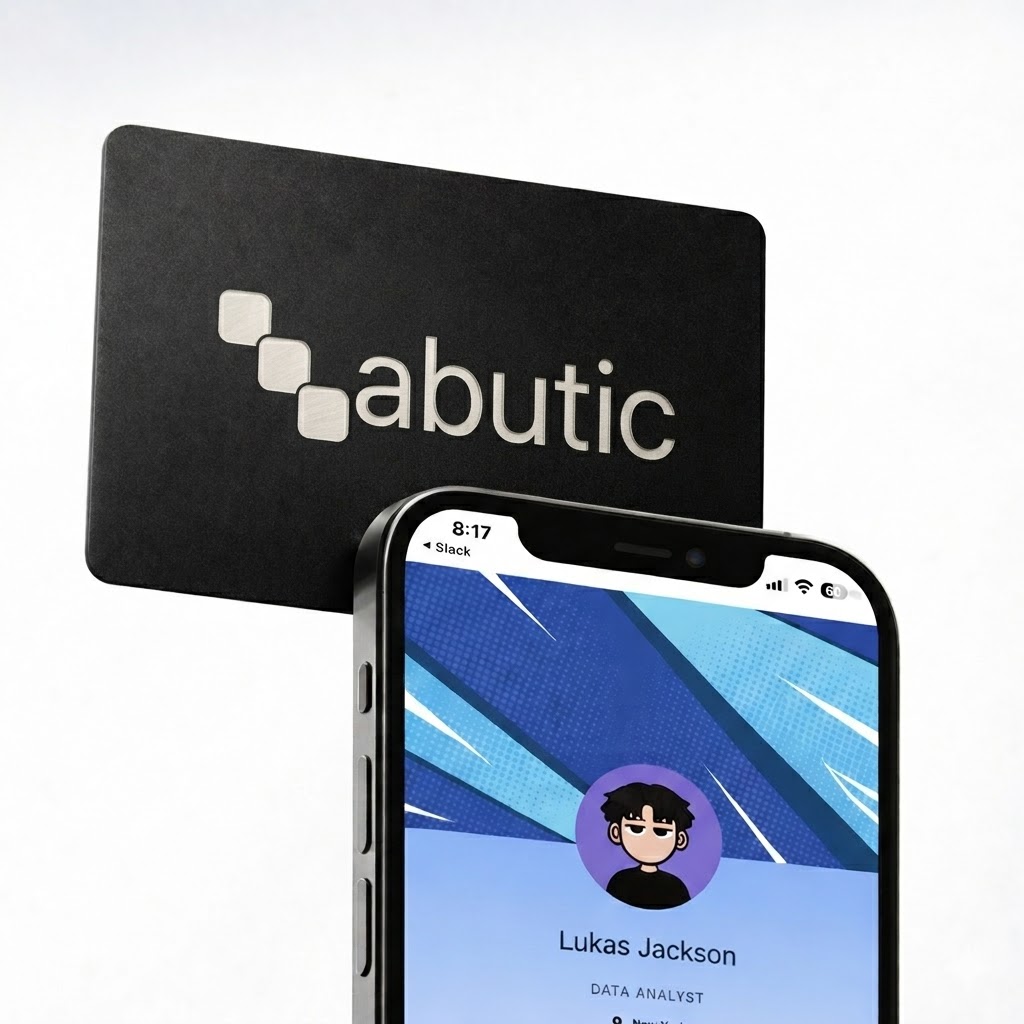
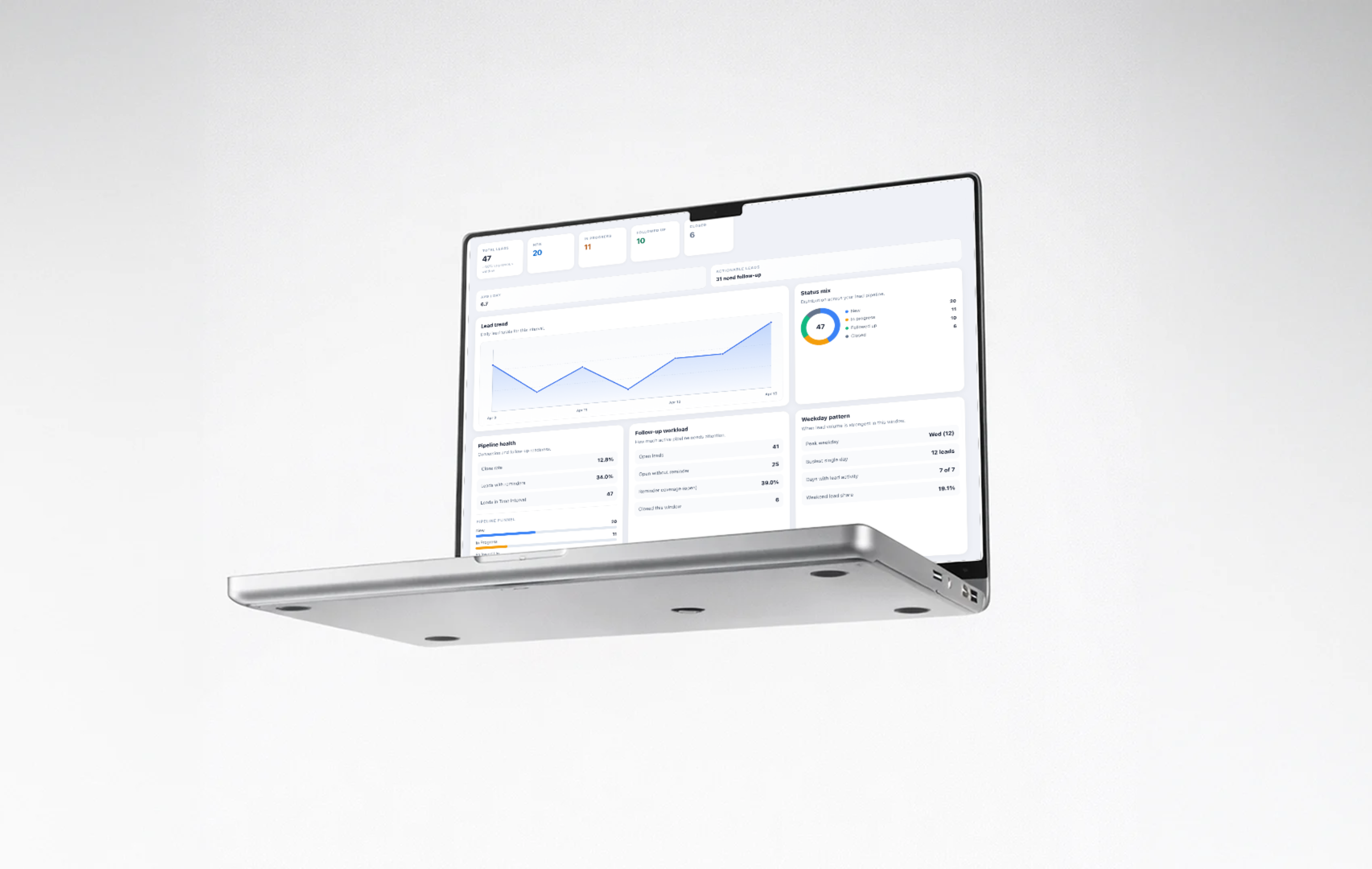
Connections analytics dashboard
Track pipeline momentum, follow-up workload, and weekday activity trends in one view.
See what’s inside
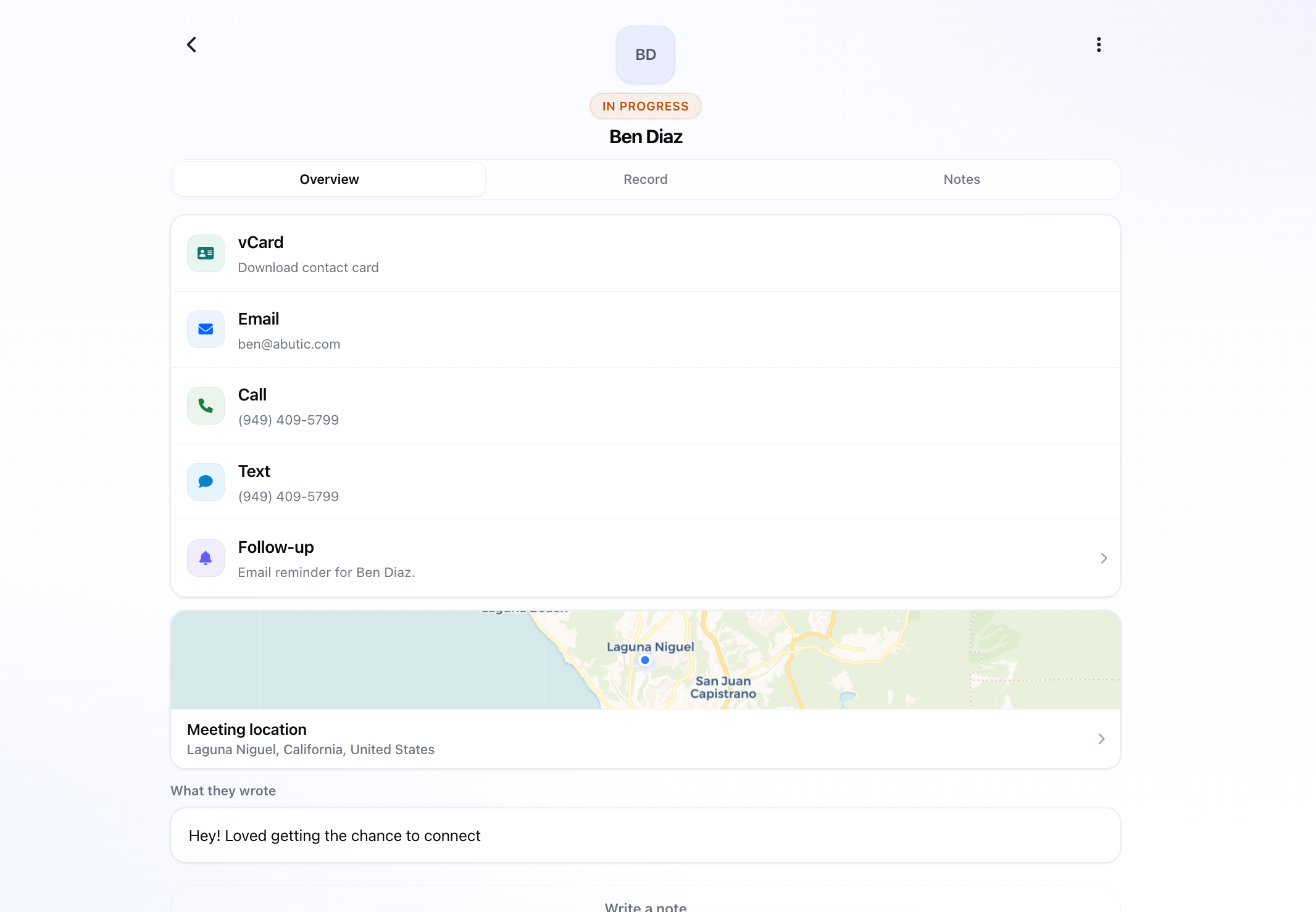
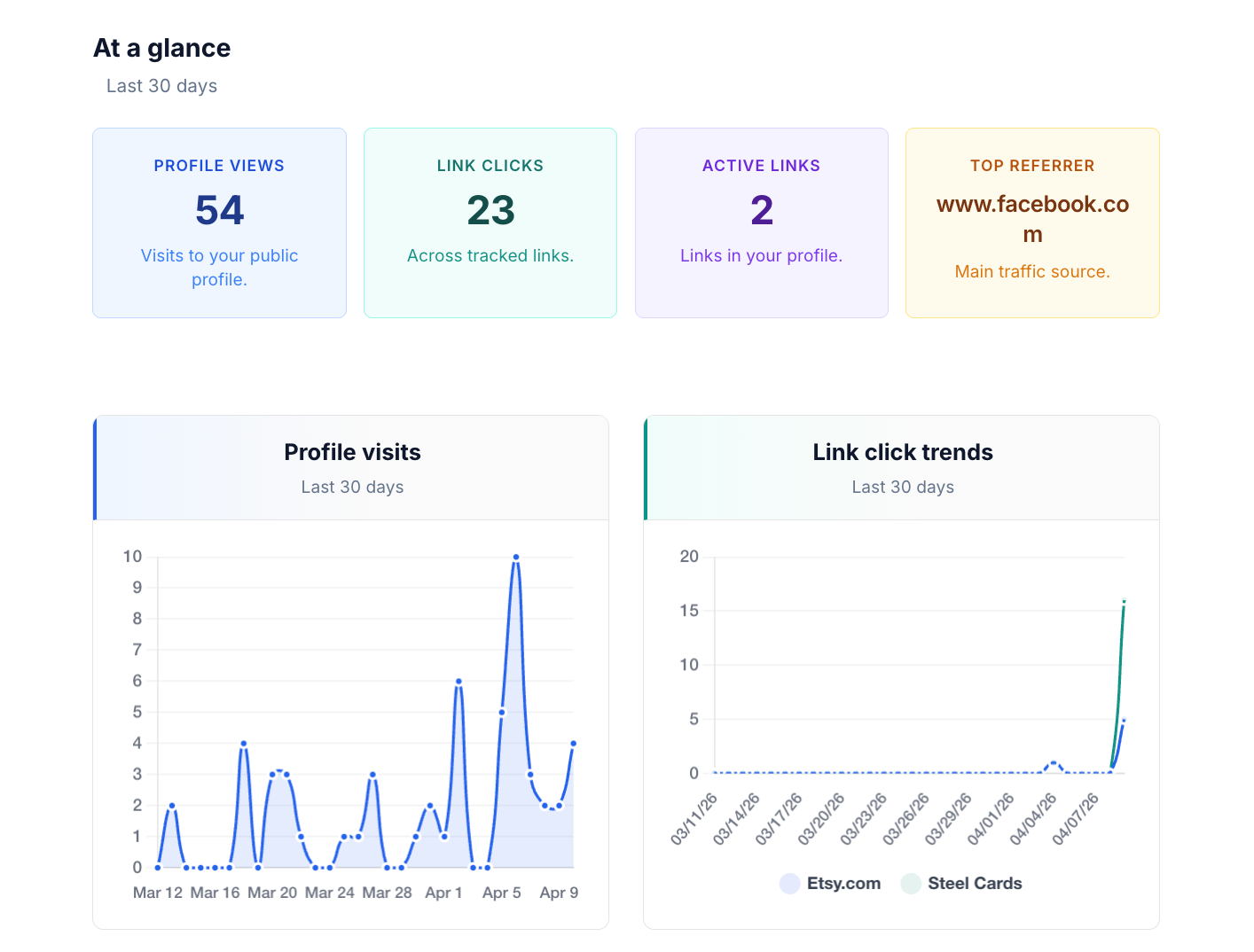
Editor, analytics, and QR—real screens from the Abutic experience.
How it works
Three steps from signup to “here’s my card.”
1
Create your page
Sign up, pick a username, add your bio, links, and branding. Takes minutes.
2
Share the link or QR
Drop your Abutic URL in your bio, signature, or deck—or let people scan your QR.
3
Optional: add NFC
Order a metal card so every handshake ends with a tap that opens the same profile.
Customize
Your profile. Your colors. Your QR.
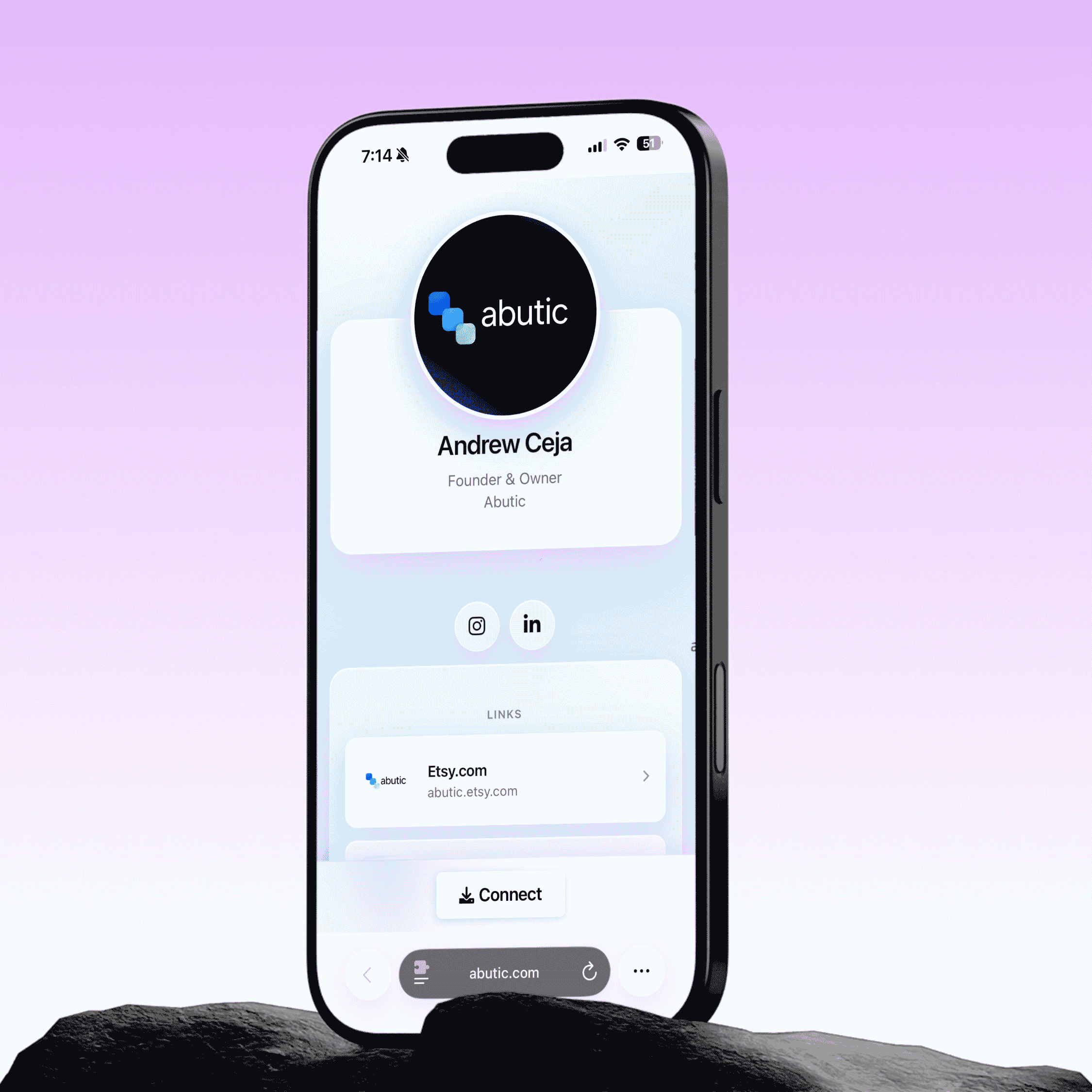
Dial in banner and background colors, arrange sections, and export a QR that matches your brand. Pair with metal Abutic cards when the moment should feel physical.
- Accent colors & dynamic backgrounds
- Download-friendly profile QR
- Shop NFC cards to match
Why people switch
A few reasons teams and solo pros keep Abutic in the stack.
“I stopped reprinting cards every time my role changed. One link, one tap—and my profile always matches reality.”— Creative & freelance pros
“Guests don’t need another app. That alone made events smoother for our booth team.”— Events & field marketing
“Lead capture on the profile means I’m not digging through a pile of paper cards Monday morning.”— Sales & consulting
Questions? Answers.
Everything you wondered before hitting “sign up.”
Does the other person need an app?
No. They open your profile in their browser from your link, QR, or NFC tap—no download required on their side.
Is the profile really free?
Yes. You can create and share a profile at no cost. Pro adds advanced QR, wallet passes, deeper lead tools, and more—upgrade anytime from your dashboard.
How does this relate to NFC cards?
Your profile is the destination; an Abutic NFC card is optional hardware that opens the same link instantly. Many people use both.
Can I change my profile after it’s live?
Absolutely. Edit links, colors, sections, and media whenever you want—the same public URL keeps working.
What about privacy and spam?
You control what’s visible on your public page. Use lead capture thoughtfully, and reach out via Contact if you need team policies.
Can I use my own domain?
Contact us for team and custom setups—we’ll point you to the right option for your org.